What are the steps involved in application design?
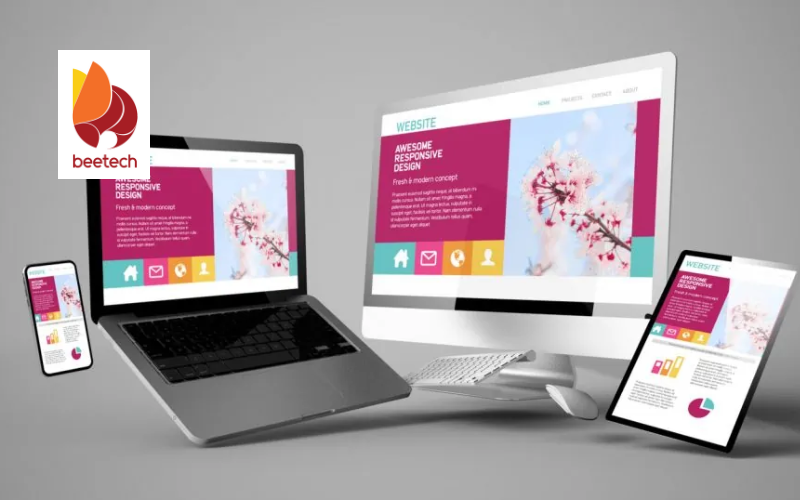
Application design plays a crucial role in ensuring a smooth and user-friendly experience. A well-structured design process ensures usability, scalability, and security while enhancing user experience. By following key steps like research, prototyping, and testing, businesses can create intuitive and efficient applications tailored to their needs.

1. Step 1. Defining requirements and goals in application design
A successful application design begins with a clear and comprehensive understanding of the app’s purpose, its target audience, and the business objectives it aims to achieve. Without well-defined goals and requirements, the design process risks becoming disorganized and inefficient, often leading to costly and time-consuming revisions. This initial phase of understanding the application's purpose is crucial as it sets the stage for a structured, focused, and goal-oriented development approach.
To define the application’s purpose effectively, businesses must address key questions, such as:
What problem does the app aim to solve?
Who are the target users, and what are their specific needs or expectations?
How will the app create value for both users and the business itself?
Answering these questions helps ensure that the app addresses a real need and provides meaningful benefits. Once the purpose is established, businesses should gather detailed user and business requirements. This process involves conducting thorough market research, analyzing competitors’ apps, and consulting relevant stakeholders. By doing so, the team can ensure that the app is in alignment with both market trends and the overall business strategy.
Following the requirement-gathering phase, businesses should identify and prioritize the core functionalities and features necessary for the application. It is essential to focus on the must-have features for the initial release while keeping scalability in mind for future updates. A carefully prioritized and adaptable design allows for smooth future iterations and ensures the app remains competitive and relevant in a fast-evolving market.
2. Step 2. Creating wireframes and user flow in application design
Once the requirements and goals are clearly defined, the next step in application design is visualizing the structure and user journey. This involves creating wireframes and mapping out the user flow to ensure a smooth, intuitive experience.
2.1. Designing wireframes
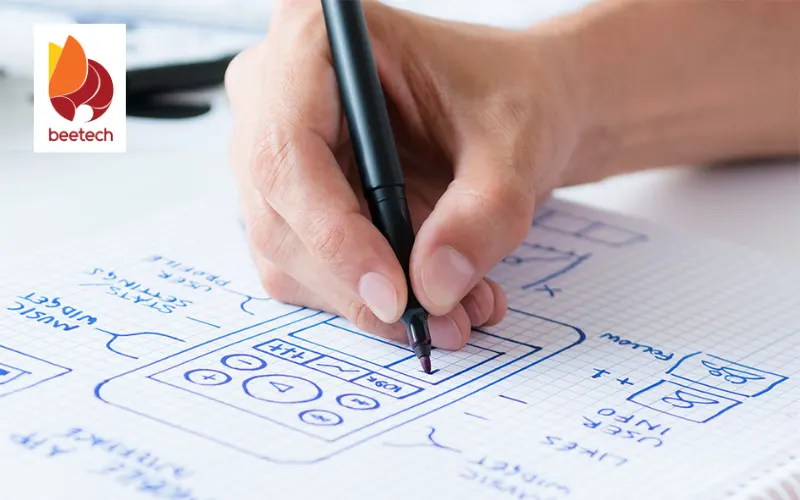
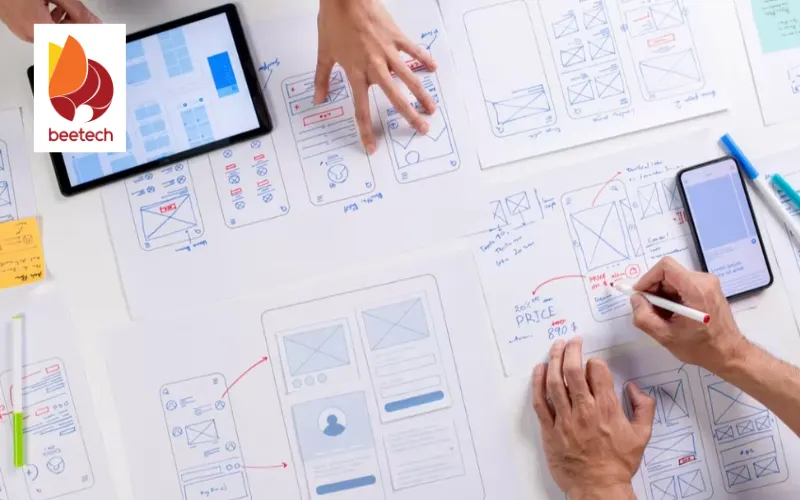
Wireframes serve as the blueprint of the application, outlining the layout and placement of key elements without focusing on design aesthetics. They help developers and stakeholders understand how different screens and features connect.
Key aspects of wireframing include:
Sketching basic layouts: Start with low-fidelity wireframes to outline the general structure.
Defining navigation and interaction points: Ensure users can move between sections seamlessly.
Focusing on usability: Prioritize a logical and user-friendly arrangement of elements.
Using tools like Figma, Adobe XD, or Sketch, designers can create interactive wireframes that allow stakeholders to visualize the application before development begins.
2.2. Mapping user flow
User flow represents how users navigate through the application to complete specific tasks. A well-structured user flow ensures efficiency and reduces friction in the user experience.
Key steps in mapping user flow:
Identifying core user actions: Define key interactions such as signing up, browsing, purchasing, or submitting a form.
Creating step-by-step pathways: Outline how users move from one screen to another to accomplish tasks.
Optimizing for efficiency: Minimize unnecessary steps and ensure intuitive navigation.
By focusing on wireframes and user flow early in the application design process, businesses can refine their app’s usability, enhance user engagement, and prevent costly redesigns later.
>>> Read more:
- Service Application Development - Unlock Your Business Potential
- Application software offshore development process
3. Step 3. Developing UI/UX in application design
After wireframes and user flows are established, the next step in application design is developing an intuitive and visually appealing user interface (UI) while ensuring an optimal user experience (UX). A well-designed UI/UX enhances usability, engagement, and overall satisfaction.
3.1. Designing the user interface (UI)
The user interface defines the visual elements and interactive components of the application. A good UI should be aesthetically pleasing while maintaining clarity and functionality.
Key considerations for UI design:
Consistency: Maintain a uniform color scheme, typography, and button styles.
Responsiveness: Ensure the design adapts well to different devices and screen sizes.
Accessibility: Use proper contrast, readable fonts, and assistive elements for inclusivity.
Brand identity: Align the UI with brand guidelines for a cohesive look.
Tools like Figma, Adobe XD, and Sketch help designers create interactive prototypes to test the UI before development.
3.2. Enhancing the user experience (UX)
While UI focuses on visuals, UX is about how users interact with the application. A great UX design ensures smooth, efficient, and enjoyable navigation.
Key principles of UX design:
Simplicity: Keep the interface intuitive and avoid unnecessary complexity.
User feedback: Provide visual or haptic feedback on interactions.
Fast load times: Optimize performance for seamless user experience.
Error prevention and recovery: Help users avoid mistakes and provide clear error messages.
4. Step 4. Prototyping and testing in application design
Once the UI/UX design is developed, the next crucial step in application design is creating prototypes and conducting usability testing. This phase ensures that the design aligns with user expectations and functions as intended before moving into full-scale development.
4.1. Building interactive prototypes
Prototyping involves creating a functional model of the application that simulates user interactions. This helps stakeholders visualize the design, navigate through different screens, and provide feedback before coding begins.
Key aspects of prototyping:
Low-fidelity prototypes: Basic wireframes with limited functionality to map out structure.
High-fidelity prototypes: Detailed designs with interactive elements that closely resemble the final application.
User scenarios: Simulating real-world use cases to test how users interact with the application.
Tools like Figma, InVision, and Adobe XD are commonly used for building interactive prototypes.
4.2. Conducting usability testing
Usability testing helps identify design flaws, navigation issues, and potential improvements before development starts.
Key methods of usability testing:
Moderated testing: A facilitator guides users through tasks and observes their interactions.
Unmoderated testing: Users independently explore the prototype, and feedback is collected through surveys or analytics.
A/B testing: Comparing two design variations to determine which one performs better.
Feedback collection: Gathering insights from test users to refine the UI/UX.
Through prototyping and testing, designers can make data-driven improvements, ensuring a user-friendly and efficient application before moving to the development stage.
5. Step 5. Development and coding
Once the application design is finalized, the development phase begins. This is where the design concepts are transformed into a fully functional application through coding.
5.1. Frontend and backend development
Frontend development: Developers build the user interface (UI) based on the design prototypes. This includes coding interactive elements, animations, and ensuring a responsive layout that works across devices.
Backend development: The server-side logic, database architecture, and API integrations are built to ensure the application’s functionality, performance, and security.
Third-party integrations: Many applications require additional tools such as payment gateways, analytics, or cloud storage. These services are integrated at this stage.
5.2. Security implementation
Security is a critical aspect of development. Developers implement encryption, authentication, and authorization mechanisms to protect user data and prevent vulnerabilities.
6. Step 6. Testing, deployment, and maintenance
Before an application goes live, it must undergo thorough testing to ensure smooth performance, security, and user satisfaction. Once tested, it is deployed for real-world use, followed by continuous monitoring and updates.
6.1. Quality assurance (QA) and testing
Unit testing: Each feature and component is tested individually to ensure it functions correctly.
Integration testing: Checks the interactions between different system components, such as frontend, backend, and database.
User acceptance testing (UAT): Real users test the application to identify usability issues before launch.
Performance testing: Simulates different levels of user traffic to ensure the application remains stable under load.
Security testing: Detects vulnerabilities and ensures compliance with data protection standards.
6.2. Deployment and monitoring
After passing all necessary tests, the application is deployed to a live environment. However, post-launch monitoring is crucial to detect and resolve potential issues. Developers use real-time analytics tools to track performance and user engagement.
6.3. Post-launch maintenance and updates
Bug fixes and optimizations: Regular updates are released to improve performance and address reported issues.
Feature enhancements: New functionalities are introduced based on user feedback and business goals.
Scalability improvements: As the user base grows, infrastructure and resources are optimized to handle increased demand.
By following a structured approach to testing, deployment, and maintenance, businesses can ensure a stable, high-performing application that continues to evolve with user needs.
7. Conclusion
Application design is a multi-step process that ensures software meets user expectations while being efficient, scalable, and secure. From defining user needs to development and continuous maintenance, every phase plays a crucial role in delivering a successful application. A well-structured design process not only enhances usability but also reduces long-term costs by preventing major redesigns or performance issues.
If you're looking for a reliable partner to bring your application ideas to life, BeetechSoft offers end-to-end application design and development services tailored to your business needs. Follow BeetechSoft to stay updated on the latest trends and insights in software development!